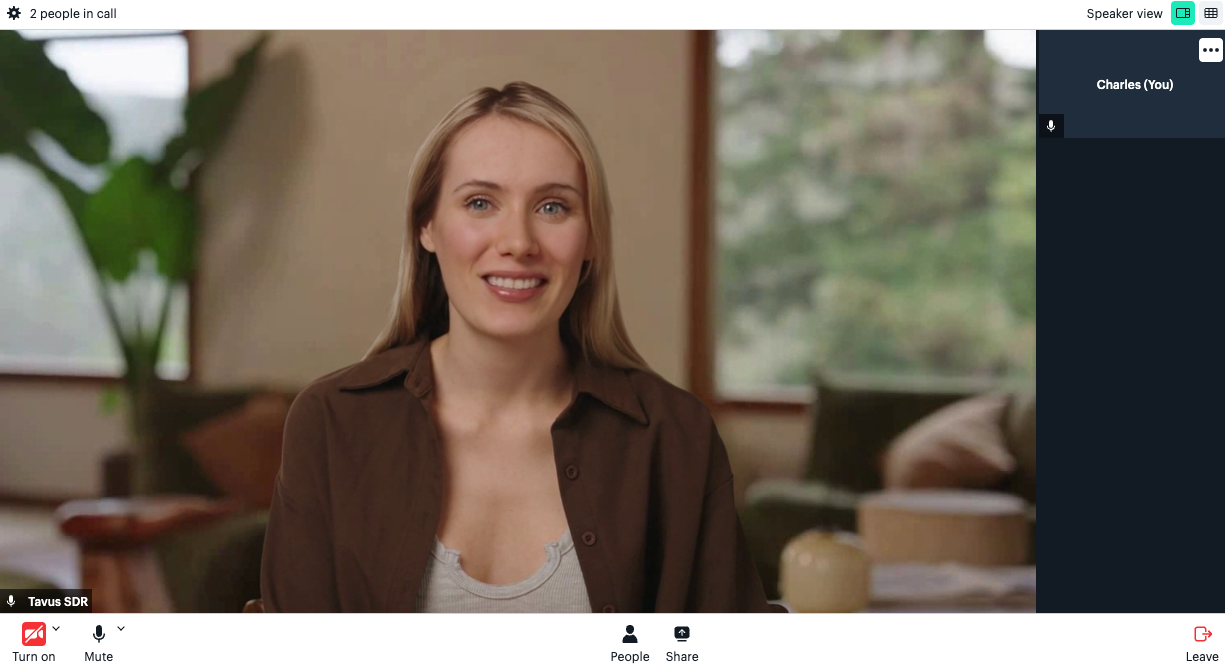
For more options, check the Daily theme configuration reference and Daily Call Properties.
Customization Example Guide
1
Step 1: Create Your Conversation
In this example, we will use stock face ID r4b03c679d42 (Joyce) and stock PAL ID p22f53b7b4b9 (Sales Discovery Call).
Replace
<api_key> with your actual API key. You can generate one in the PAL Maker.2
Step 2: Customize the Conversation UI
-
Make a new
index.htmlfile -
Paste following code into the file, replace
DAILY_ROOM_URLin the code with your own room URL from step above
3
Step 3: Run the Application
Start the application by opening the file in the browser.